Komodo Edit dark theme
For some time now, I developed some computer related eye fatigue, which kinda sucks and I believe this is due (in part) to the white background of my text editor(s). That's why I decided to try a dark theme in Komodo Edit. The one shipped with the editor is a bit ugly, I wanted something more like Twilight for Textmate and any Google search for Komodo themes returned pretty much nothing. So, here's my creation, inspired by all those dark themes out there, especially Twilight.
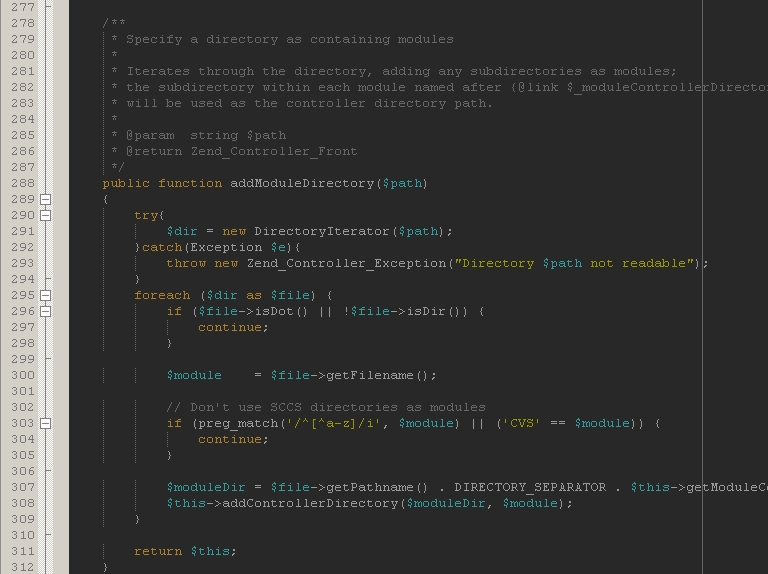
If you like it, you can grab the theme file from my GitHub repo.
It only supports PHP and JavaScript syntax for the moment. More to come when I'll have some time. Update: There's Python and XML support right now.
After you download it, put the ".ksf" file in your Komodo Edit application data
folder, more precisely the schemes directory. On my Windows machine this is:
C:\Documents and Settings\{user}\Application Data\ActiveState\KomodoEdit\4.3\schemes.
Enjoy!